
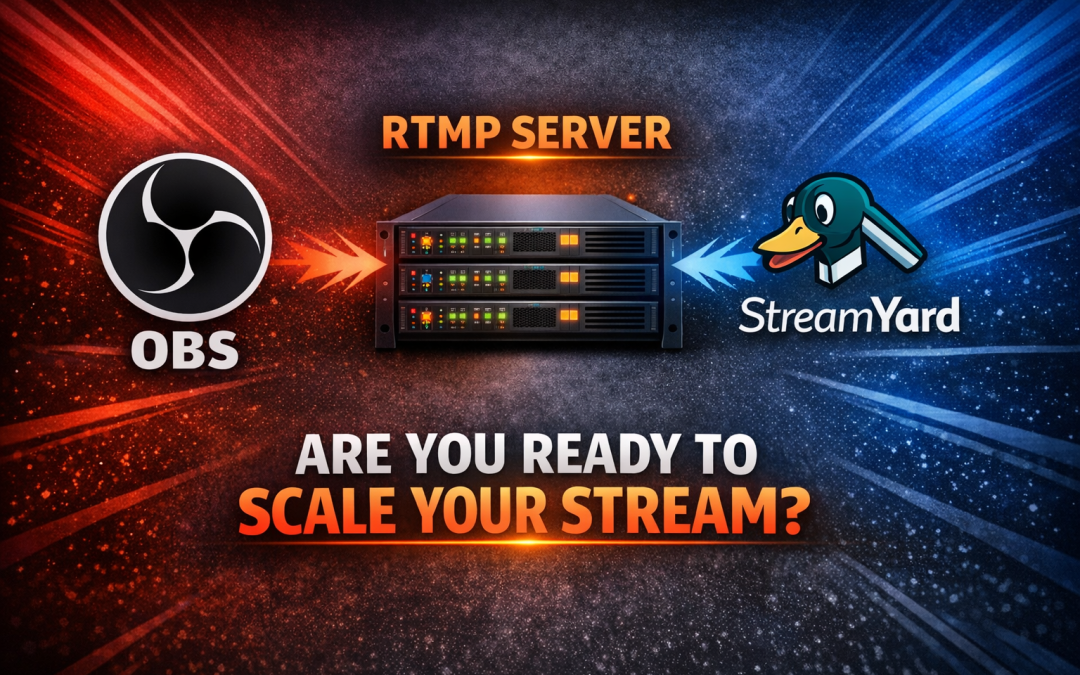
OBS vs StreamYard with an RTMP server: the mistake that limits your streaming business
Most people think they are choosing a streaming platform when they pick OBS or StreamYard.
They are not.
They are only choosing how to send video.
And this is where many streaming projects fail before they even start.
Because the real question is not OBS or StreamYard.
The real question is this:
Who is delivering your stream when your audience arrives?
The misunderstanding that kills growth
Let’s be clear.
OBS and StreamYard are not competitors to an RTMP server.
They are tools that depend on it.
There are two parts in every serious streaming setup:
-
The encoder
-
The delivery infrastructure
OBS and StreamYard are the encoder.
The RTMP server is everything else.
If you don’t control the delivery, you don’t control your business.
OBS: full control, but only half the system
OBS is powerful.
It gives you control over bitrate, resolution, audio, scenes, overlays. You can build a professional production environment on your own computer.
For many users, OBS feels like the solution.
It is not.
It is only the first step.
OBS sends your stream somewhere. That “somewhere” is what determines whether you can handle 50 viewers or 10,000.
Where OBS shines
-
Full technical control
-
Works with any RTMP server
-
Ideal for advanced users
Where OBS fails
-
It does not deliver your stream
-
It does not scale
-
It depends entirely on your backend
OBS is like a camera.
A very good camera.
But a camera does not run a TV station.
StreamYard: simple, fast, limited
StreamYard made streaming easy.
No installation. No setup. You open your browser and you are live.
For interviews, podcasts, and quick live sessions, it works very well.
But simplicity comes with limits.
Advantages
-
Extremely easy to use
-
Browser-based
-
Good for multi-guest streaming
Limitations
-
Limited control over encoding
-
No support for username and password authentication
-
Less flexibility for professional setups
And more importantly:
StreamYard is still just an encoder.
It sends your stream. It does not manage your audience.
The RTMP server: where your business actually runs
This is the part most people ignore.
The RTMP server is not just a technical component.
It is your infrastructure.
It is what allows you to:
-
Deliver video to thousands of viewers
-
Control bandwidth and scaling
-
Run multiple channels
-
Create a real TV station
With a proper RTMP server powered by Wowza and managed through MediaCP, you are no longer “going live”.
You are running a platform.
What happens when you don’t have proper infrastructure
Everything works fine at the beginning.
A few viewers. Then a few hundred.
Then something happens.
Traffic jumps.
Not slowly. Not gradually. Suddenly.
And this is where most setups collapse.
-
Buffering starts
-
Streams drop
-
Viewers leave
Because the encoder was never the problem.
The infrastructure was.
A real setup looks like this
A serious streaming setup is simple:
-
OBS or StreamYard sends the stream
-
Your RTMP server distributes it
That is the difference between:
-
Streaming as a hobby
-
Running a streaming business
From first viewers to real scale
When you start, you don’t need massive infrastructure.
But you need the right foundation.
For example:
Budget One – starting point
-
Around 1,000 viewers
-
$175/month
-
Ryzen 7950X3D, 32 GB RAM, 10 Gbps port
This is enough to launch.
To test.
To grow.
Budget Two – where things become serious
-
Around 3,000 viewers
-
$275/month
-
64 GB RAM, higher bandwidth
This is where many real projects operate.
Stable. Reliable. Scalable.
Enterprise – when growth accelerates
-
Around 8,000 viewers
-
$550/month
-
100 TB traffic
This is where you stop worrying about limits.
Supreme – when you need full capacity
-
10,000+ viewers
-
$900/month
-
Massive bandwidth and storage
This is not experimentation anymore.
This is production.
Why most people choose the wrong thing
Because OBS and StreamYard are visible.
They are what you interact with.
The RTMP server is invisible.
But it is the only part your viewers actually depend on.
Your audience does not care what encoder you use.
They care if the stream works.
Building a real TV station
Once you have the right infrastructure, everything changes.
You can:
-
Upload MP4 videos
-
Create playlists
-
Schedule programming
-
Run a 24/7 TV channel
You are no longer just streaming.
You are broadcasting.
👉 You can see how this works here:
https://www.red5server.com/create-online-tv-channel/
The correct way to think about it
Do not ask:
Should I use OBS or StreamYard?
Ask instead:
What infrastructure will carry my audience?
Because that is where success or failure happens.
Which setup should you choose
If you want simplicity:
-
StreamYard + RTMP server
If you want control:
-
OBS + RTMP server
If you want to grow:
-
RTMP server first, everything else second
Final thought
Streaming is not difficult.
Scaling is.
And scaling does not depend on OBS.
It does not depend on StreamYard.
It depends entirely on what happens behind them.
When your audience arrives, your system has two choices.
Handle it.
Or collapse.
Recent Comments